No subscription. Ever.
Buy credits when you need them and use them whenever you like. Nothing renews, nothing lapses, and you don't pay in the months you don't cut.
Three free credits when you sign in. Previews never cost anything.
Start Free
Enough for a real piece and two mistakes.
Credit Packs
Most PeopleTop up in-app. Credits don't expire.
A credit is spent the moment you hit generate — that's the compute. Downloading is free and unlimited after that, and files stay in My Maps for 7 days. After a week, one click restores the exact area and settings so you can regenerate.
Questions people actually ask
What exactly costs a credit?
One generate. That gives you every file for the mode you picked — SVG and DXF for laser, 3MF for print. Terrain elevation costs three, because it processes satellite data.
Will it open on my machine?
LightBurn, xTool Creative Space, Glowforge and LaserCAD read the SVG and DXF directly. Bambu Studio, PrusaSlicer and OrcaSlicer open the 3MF with parts already separated.
Can I sell what I make?
Yes. Commercial use is included with every credit. Cut it, frame it, list it.
Do I need design experience?
No. You draw a box and pick laser or printer. Free previews let you iterate as long as you like before anything is charged.
I only have a 3D printer. Is this for me?
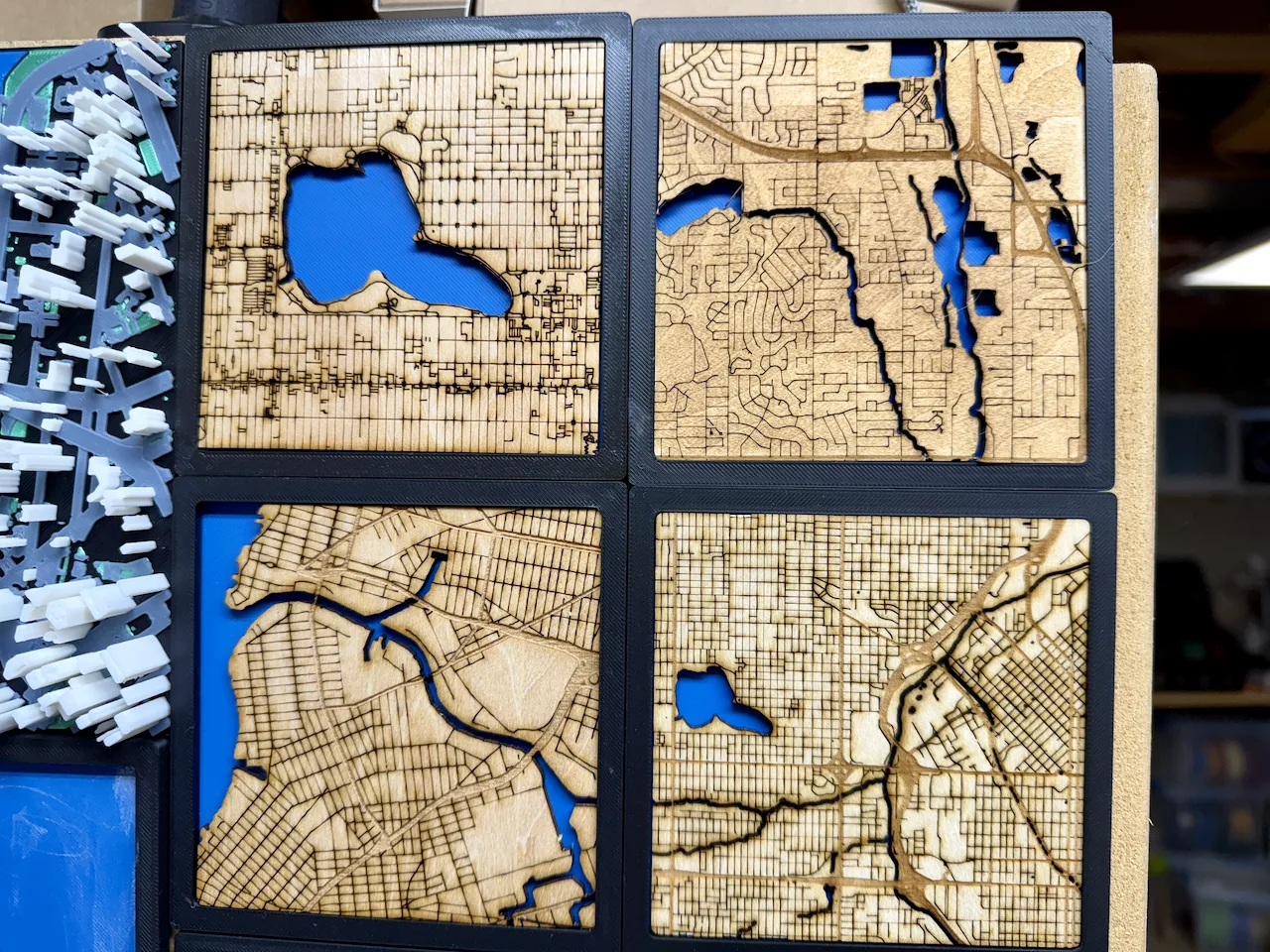
Yes — pick 3D print mode and one generate gives you a 3MF with the base plate, raised roads and buildings, and recessed water already split into objects. Your slicer assigns the filaments.
How do I know the cut will look right?
Preview before you spend: the free preview is exactly what the laser will see, and your area and settings stay saved, so you can tune and regenerate any time.
Three credits, no card
Try it on a place you know before you spend anything.